eSIM vs. Physical SIM Card: Carrier Switching, Roaming, and Theft Security
Compare eSIM and physical SIM for travel, broken-phone recovery and theft protection, with carrier-specific activation and roaming checks.
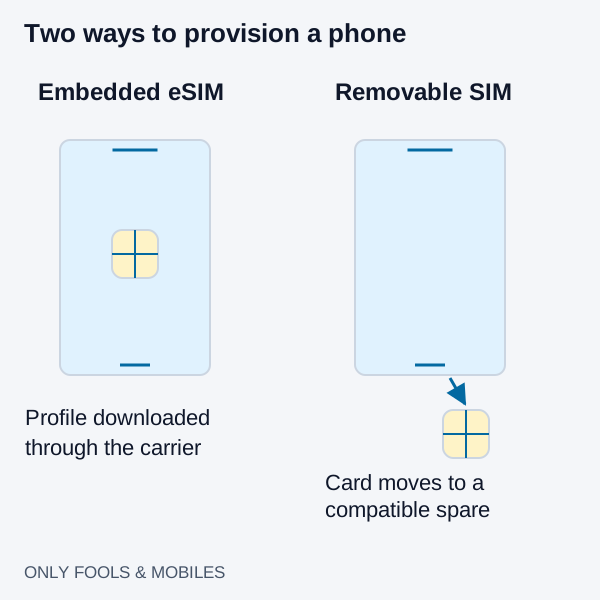
An eSIM is convenient for adding a plan digitally; a physical SIM can be easier to move to a compatible spare phone when the main handset fails. Both still depend on carrier eligibility, phone compatibility and account security. Neither format guarantees free roaming or continuous theft tracking.
For connectivity failures, use the mobile troubleshooting guide.
Storage, activation and emergency swaps
| Question | eSIM | Physical SIM |
|---|---|---|
| How is the plan added? | Carrier activation, transfer, QR code or app, where supported | Insert a compatible, activated card |
| Can it be removed from a locked phone? | No removable card to eject | A removable card can be taken out |
| What if the phone breaks? | Carrier reissue may be needed if device-to-device transfer is unavailable | Moving the working card may be possible; the spare must support the plan and be unlocked if necessary |
| How many plans? | Stored and active profile limits are model-specific | Limited by the supported slots and any additional eSIM capability |
Apple’s setup guide describes storing eight or more eSIMs on compatible iPhones. Stored profiles are different from simultaneous active lines. Apple’s Dual SIM guide describes two active eSIMs on supported iPhone 13 and later models; regional exceptions matter. Do not transfer those limits to every Android phone.
Before relying on an emergency swap, check the backup phone’s SIM slot, lock status and network support. Quick Transfer can require access to the old phone, so keep a carrier account recovery method that does not depend solely on that handset. Do not delete the old profile before the replacement line works; ask the carrier about reinstallation if a QR code fails.
Configure travel data without assuming free calls
Compare destination coverage, included data, validity start time, hotspot allowance, top-up rules and whether the travel plan includes a phone number. A data-only plan is different from a voice-and-data SIM. Check carrier unlocking before buying a second carrier’s plan.
- Install the travel plan using its provider’s instructions and a reliable connection; confirm when validity starts.
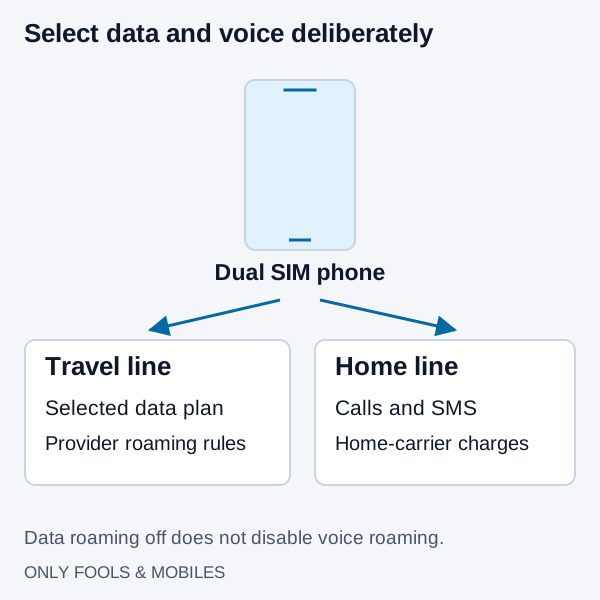
- Label the lines and select the travel line for cellular data. Choose the voice line deliberately.
- Turn off home-line data roaming and review automatic data switching. Enable travel-line roaming only if its provider requires it.
- Check home-carrier charges for calls, texts and Wi-Fi Calling abroad. Turning off data roaming does not turn off voice roaming or guarantee avoidance of a day pass.
iPhone uses one cellular data network at a time. Call availability and data switching during calls depend on the configuration and carrier. Cross-line calling over the other SIM’s data is not universal. If you turn the home line off entirely, expect home-number calls and verification texts to be unavailable through that line.
Theft protection: separate the controls
An eSIM removes the simple card-ejection step, but the device can still lose power, coverage or connectivity. Disabling Control Center access while locked can reduce one route to changing network controls; it cannot guarantee continued tracking.
Stolen Device Protection, available on iOS 17.3 and later, adds biometric requirements for certain actions, including setting up or transferring an eSIM. The one-hour delay applies to a different list of account and security changes. Apple does not state that every eSIM deletion requires that delay. Find My cannot be turned off while the feature is enabled. Review the familiar-location default and the Always option.
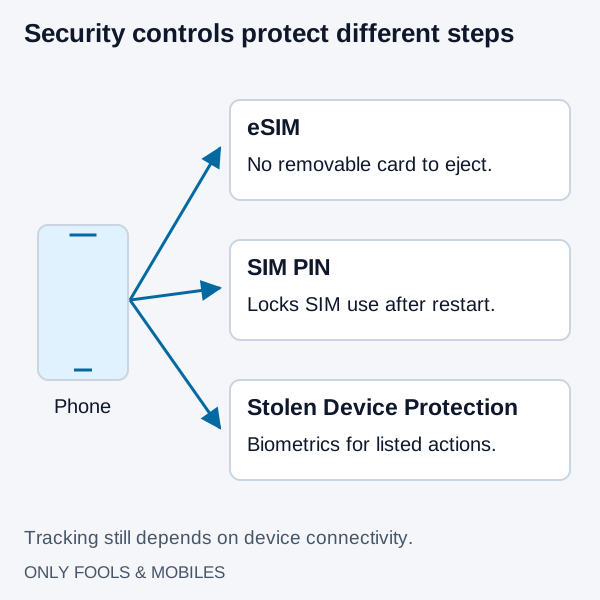
A SIM PIN can protect a SIM or eSIM from use after restart or card removal. Get the correct initial PIN from the carrier; never guess a PIN or PUK, because repeated failures can lock the SIM. Secure the carrier account as well as the handset. If a phone is stolen, use the platform’s lost-device procedure and contact the carrier from a trusted device.
Related technical guides
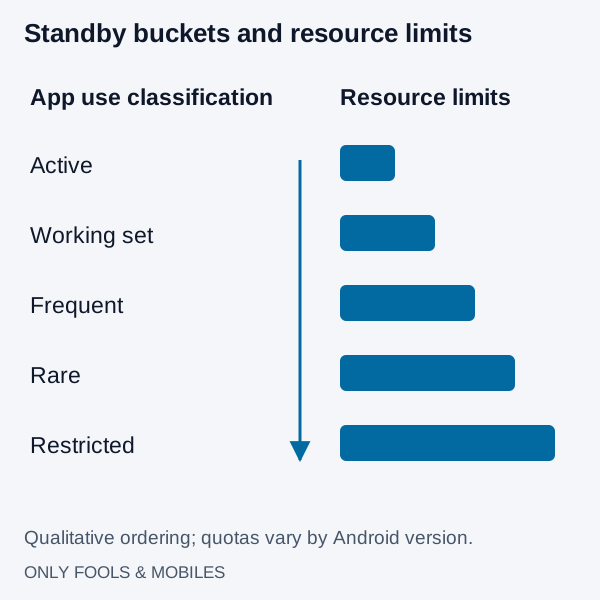
How to Stop Apps Running in Background on Android (Battery Save Guide)
Find Android background battery drain, use Pixel or Galaxy controls, preserve messaging alerts and distinguish battery restrictions from background data.
Read technical guide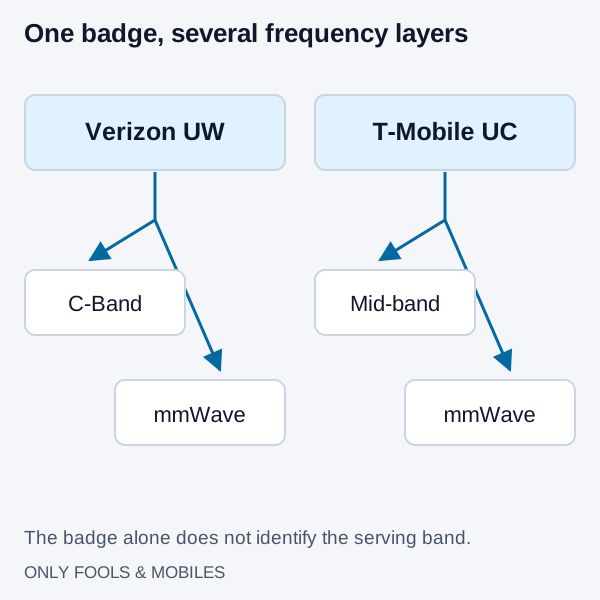
5G UW vs. 5G UC: mmWave, C-Band Frequency, and Battery Drain Explained
Understand Verizon 5G UW and T-Mobile 5G UC, mid-band versus mmWave coverage, and how iPhone 5G Auto changes network selection.
Read technical guide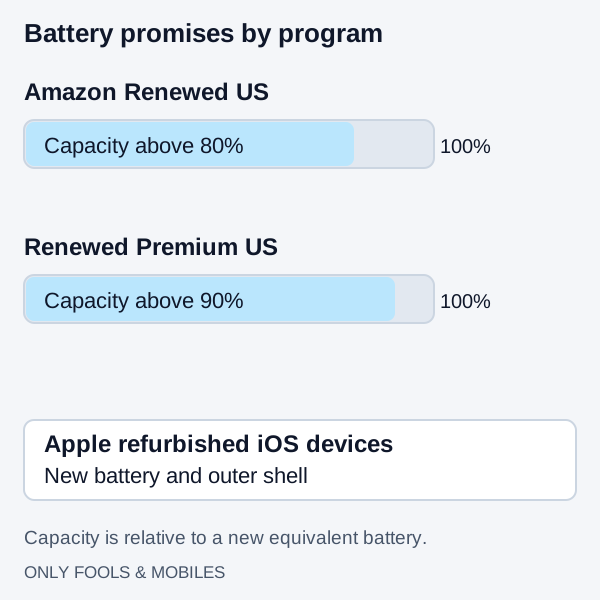
Amazon Renewed vs. Refurbished: Grading, Battery Health, and Warranty Compared
Compare Apple refurbished iOS devices with Amazon Renewed US battery, parts and cosmetic rules, then use a first-30-minute delivery checklist.
Read technical guide