5G UW vs. 5G UC: mmWave, C-Band Frequency, and Battery Drain Explained
Understand Verizon 5G UW and T-Mobile 5G UC, mid-band versus mmWave coverage, and how iPhone 5G Auto changes network selection.
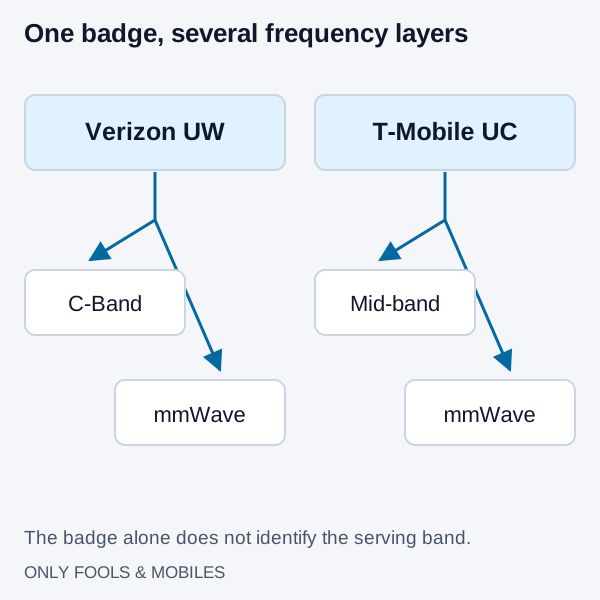
Verizon’s 5G UW and T-Mobile’s 5G UC identify carrier-branded network capabilities. They are not speed-test results and do not reveal the exact serving band. Both can include mid-band and millimeter-wave service, so a UW or UC icon does not mean you are using mmWave.
Start with mobile troubleshooting for persistent connection failures.
Read the badge without overreading it
| Badge | Carrier description | Practical interpretation |
|---|---|---|
| 5G UW | Verizon Ultra Wideband includes C-Band and mmWave | C-Band can provide broad capacity coverage; mmWave is more localized |
| 5G UC | T-Mobile Ultra Capacity includes mid-band and mmWave | n41 at 2.5 GHz is one important listed band, not the only possible connection |
| 5G | General 5G availability indicator | It does not certify a specific low-band frequency or achieved speed |
Verizon explains C-Band as part of its Ultra Wideband network. Its spectrum FAQ distinguishes that from 28 and 39 GHz mmWave. T-Mobile’s frequency reference lists n2/n25, n41 and n258/n260/n261 under Ultra Capacity and n71 under Extended Range.
The familiar band labels are n41 for 2.5 GHz, n77 for C-Band, n261 for 28 GHz and n260 for 39 GHz. A handset’s support for a band must be checked on its exact regional specifications. An unlocked phone does not gain new radio hardware when its SIM lock is removed.
A measured UW-versus-UC comparison
Opensignal’s July 26, 2022 analysis of US enhanced 5G services measured users connected to these branded services after the initial C-Band rollout. It provides a historical comparison of actual network experience:
| Measured service | Average download speed in that analysis |
|---|---|
| T-Mobile 5G UC | 232.2 Mbps |
| Verizon 5G UW | 226.3 Mbps |
The two services’ average uploads were statistically tied within 21–21.2 Mbps. These are aggregate user measurements from that 2022 analysis, covering the services’ mix of mid-band and mmWave connections. For a purchase today, compare current results at your home, work and travel locations; network deployment, devices and congestion have changed since this study.
Why indoor results differ
Lower-frequency coverage generally reaches farther, while mmWave needs denser coverage and is more sensitive to obstruction. Mid-band sits between those extremes. Walls, coated windows, building layout, antenna placement and site density all influence the result; frequency alone cannot rank two carriers at your address.
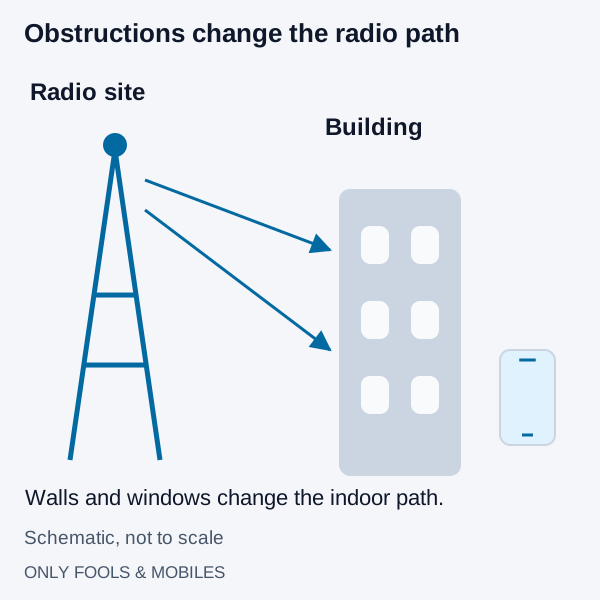
Do not infer an indoor penetration loss or a guaranteed cell radius from the badge. A useful comparison is to test both services at the places you use them, with compatible devices and comparable plans. Record location, time, device, download and upload results and whether calls remain usable. Peak advertised downlink rates do not tell you what an upload or call will do indoors.
Congestion and the plan’s network-management terms can also affect throughput. Compare repeated observations rather than a single fast result.
Choose 5G Auto when battery life matters
Apple’s 5G guidance says 5G Auto uses Smart Data mode and can switch to LTE when 5G does not noticeably improve the experience. 5G On uses 5G whenever available and may reduce battery life; LTE selects LTE even with 5G available. Those settings do not let you force a particular n41, n77 or mmWave channel.
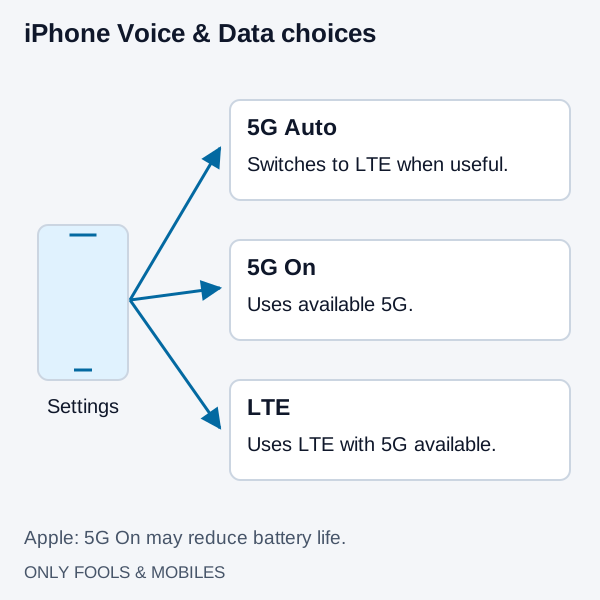
On iPhone, open Settings → Cellular → the relevant line or Cellular Data Options → Voice & Data, then choose the available option. Android names and availability vary by manufacturer and carrier. Avoid hidden band-locking utilities as a routine fix.
Diagnose heat and drain with a controlled comparison
Compare similar activity for similar durations in the same location with 5G Auto and your alternative setting. Keep brightness and apps comparable. Record battery use and whether the task takes longer; a fast transfer can finish sooner even if its instantaneous power draw is higher.
If the phone drains while idle, inspect background app usage rather than attributing it to the badge alone. If a used phone shuts down or displays a service warning, check battery condition. Use the manufacturer’s heat guidance if a temperature warning appears, and allow the phone to cool before repeating a test.
Related technical guides
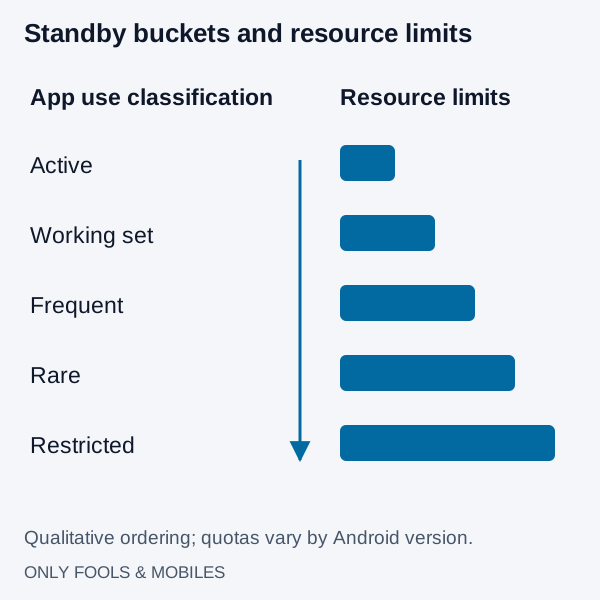
How to Stop Apps Running in Background on Android (Battery Save Guide)
Find Android background battery drain, use Pixel or Galaxy controls, preserve messaging alerts and distinguish battery restrictions from background data.
Read technical guide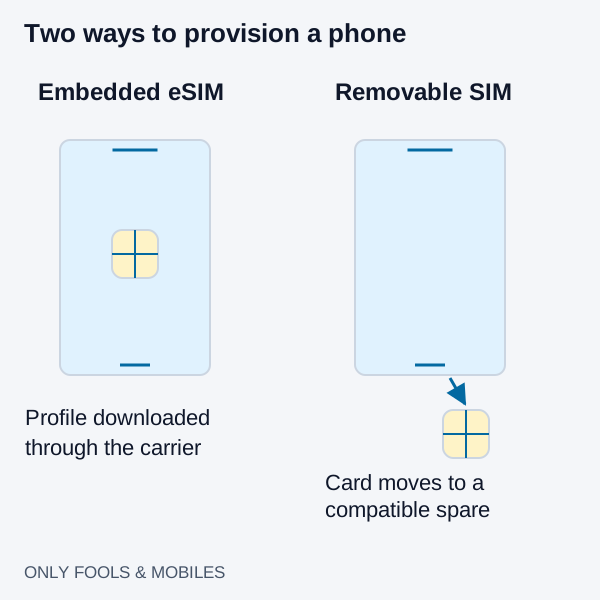
eSIM vs. Physical SIM Card: Carrier Switching, Roaming, and Theft Security
Compare eSIM and physical SIM for travel, broken-phone recovery and theft protection, with carrier-specific activation and roaming checks.
Read technical guide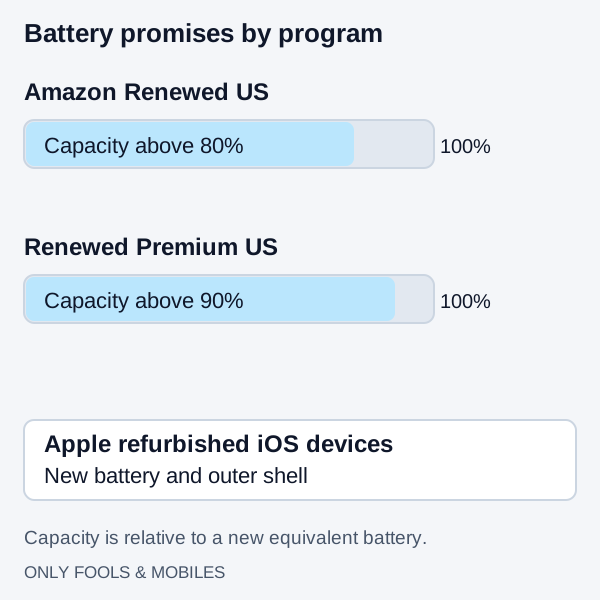
Amazon Renewed vs. Refurbished: Grading, Battery Health, and Warranty Compared
Compare Apple refurbished iOS devices with Amazon Renewed US battery, parts and cosmetic rules, then use a first-30-minute delivery checklist.
Read technical guide